
FAQ
How it works, in full.
For guests, hosts, and the person at the till. Short answers. Everyday words.
Visitors
What is Cinnabar?
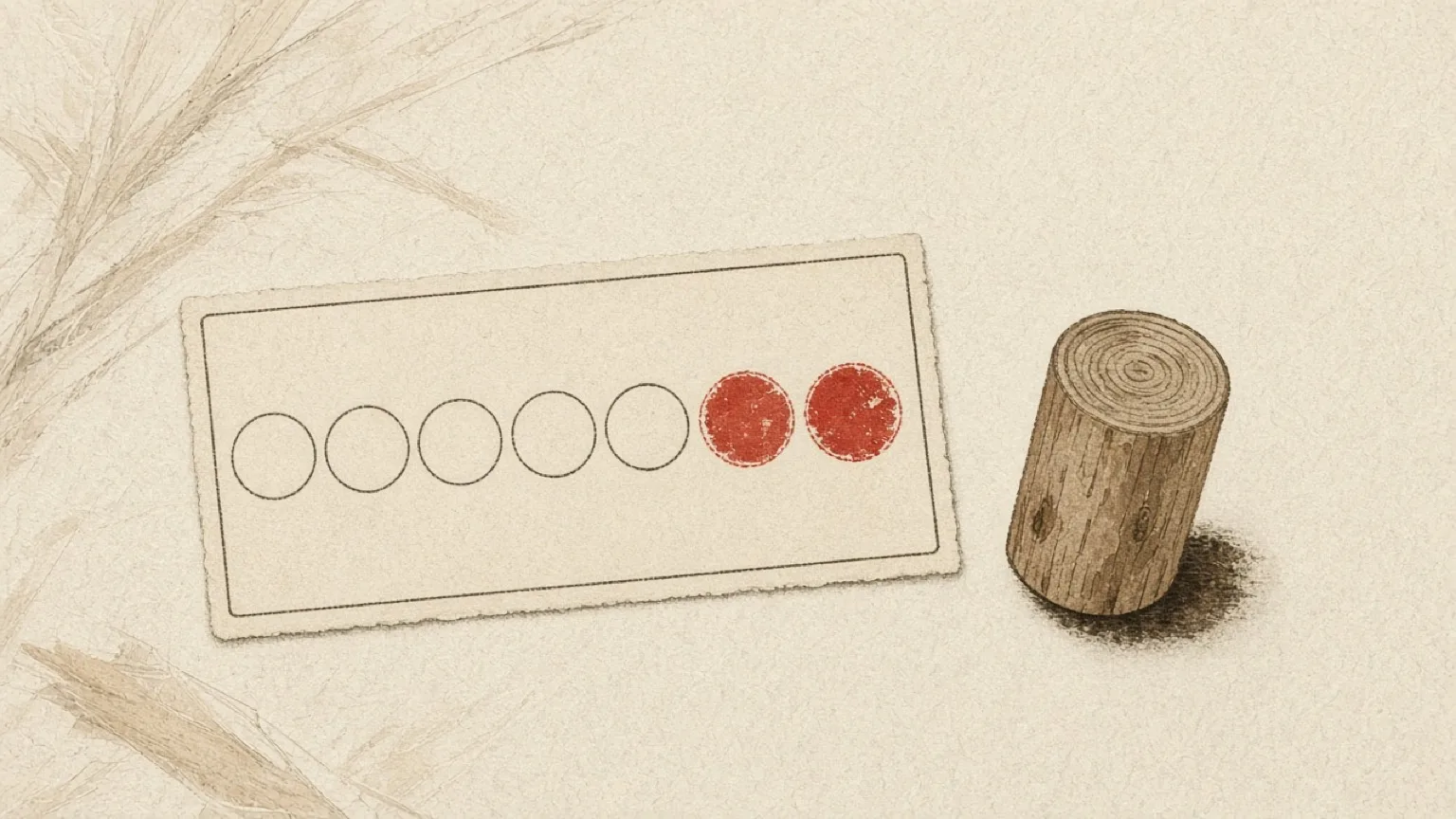
A digital stamp card. Like the paper card in a wallet — take a shop’s card, show that card at that shop’s till, a prize when it is full. Many shops live in one place: My cards.
Can I look around without signing up?
Yes. The Kyoto list and each shop page are open. You only need an account when you take a card.
When do I need an account?
When you want a card of your own — to collect stamps and redeem a prize.
How do I find a shop?
Open Kyoto shops. Use List, Split, or Map. The list is the shops — name, what they do, where they are — not a stamp card. Cards live on each shop’s page. A pop-up with no street address is on the list, not the map.
Your cards
How do I get a stamp card?
Scan this shop’s QR — on the table tent or the shop page. Sign in first at Register if you do not have an account. That QR only gives you the card. It does not stamp.
How do I sign in?
Email and a password, or Google, Facebook, or X if those buttons are shown. Forgot the password? Use Forgot password.
Where are my cards?
In My cards. Open is cards you are still collecting — including a full card waiting for the prize. Tap Completed for cards you have already redeemed.
How do I get a stamp?
At the till, open that card and tap it to turn it over. The stamp code on the back grows so staff can read it — not the table tent. One stamp.
I have more than one card. Which code do I show?
Open the card you want stamped. The code belongs to that card only. Staff cannot pick for you.
Why does my code keep changing?
So a photo of the code cannot be used later. A new code appears about once a minute. That is normal.
Staff said my code expired.
Open the stamp code again on your phone and let them scan the new one. Old codes last about one minute.
How many stamps can I get in a day?
The shop sets a daily limit — often one a day, per card. If this card already has today’s stamp, try again tomorrow. After you redeem, a new card can take today’s stamp.
The card is full. How do I get the prize?
Open that full card and tap it to show the stamp code. When it says Ready, staff tap Redeem and give you the prize. A new card for that prize can start after that. The redeemed card moves to Completed.
Where do redeemed cards go?
They stay in My cards. Tap Completed. Open one to see the prize you redeemed. A full card that still says Ready stays under Open until you redeem it.
Can I collect at more than one shop?
Yes. One wallet holds cards from many shops. Each card works only at its own shop.
Can I use a card at another shop?
No. A card belongs to one shop. Another till cannot stamp or redeem it. Open that shop’s card instead.
Does my card expire?
Some shops set 3, 6, or 12 months. If a card expires, it closes. You can take a new one.
Can I add this to my phone’s home screen?
Yes. In the browser menu, choose Add to Home Screen. You do not need an app store.
Can I switch language?
Yes. Use the flag in the header — Japanese or English. In English, the city list shows the romaji address. Maps still pin the Japanese line.
Can a shop see my name?
No. Shops see a short code, not your name or email.
Hosts and shops
Getting started
How do I open a space?
Make a member account — the same one guests use — then open Host settings. The first time, you will set up your space at Your space.
Can I run more than one shop?
One email holds one space. That space can have as many cards as you need — a coffee card and an event card, for example.
Why can’t I choose Kyoto?
Your address decides the city. Enter the postal code, or the area if you have no shop. You do not pick a city from a list.
I run a pop-up or an event. I have no street address.
Tick “no fixed premises” and choose the prefecture and city. Guests will see the area, not a map pin.
My area is not open yet.
We save your space as a draft. Guests cannot see it until that city opens. Your cards stay private until then.
Shop, activity, or event — what is the difference?
A shop is a place with a till. An activity is a regular gathering. An event is a one-off. The kind changes the stamp rules you can choose: a drink, a purchase, or a visit.
What does it cost?
Cinnabar is offered to hosts without a fee while Kyoto is opening. There are no plans or invoices in the product today.
Your public page
What do visitors see?
Your name, kana, a short pitch, about, hours, phone, website, a map if you have an address, and every active card. Edit this on Profile.
How do I set opening hours?
One short note — for example “11:00–20:00, closed Wednesday”. There is no week-by-week calendar.
What kind of logo can I upload?
PNG, JPEG, WebP, or SVG. Keep it under 512 KB. A clear background looks best. We do not draw a plate behind it.
Why is my shop not on the Kyoto page?
“List on the city page” starts off. Turn it on from Host settings — the first screen — when you are ready. Your shop page still works from a direct link when you are live.
Can I share my page on LINE?
Yes. Use the share menu on your shop page — LINE, X, Facebook, email, a copied link, or the share sheet. This is a share link only, not a LINE Official Account.
What if I change my address?
The new address decides the city again. If that city is not open, the space becomes a draft until it is.
Designing a card
What is a card?
A loyalty punch card — not a menu, not stock. Guests collect stamps and redeem the prize you set. Make one at New card.
Can I run more than one card?
Yes. A coffee card and a sweets card, or a shop card and an event card. Each card has its own print QR. Guests take and show one card at a time. A card can be stamped or redeemed only at your till.
How long can the prize text be?
It must fit on the card. Japanese prize titles: 32 characters. English: 56. Keep the description shorter still.
How many stamps should I ask for?
Between 5 and 12. Ten is the usual paper-card count.
When should staff stamp?
You choose the rule: any drink, any purchase, a yen minimum, or any visit for gatherings. The yen minimum is a reminder for staff. Cinnabar does not check the till amount.
Can a guest get more than one stamp a day?
You set a daily limit on each card. One a day is the default. It resets at midnight in the city’s time. After a redeem, the new card can take today’s stamp. A welcome stamp does not count toward the limit.
What is the welcome stamp?
An optional first stamp, given when the guest takes the card. It shows in gold.
Can cards expire?
Yes. None, 3, 6, or 12 months. After that, the card closes and the guest can take a new one.
Can I choose the stamp mark?
Yes. Kyoto crests — pagoda, torii, and others — or plain cinnabar.
What do I print?
Print one kit per card. That QR is only for guests to take that card. It never stamps or redeems. The till uses a different shop code. Do not put the shop code on the tent.
Running the till
What is the shop code, and what is the card code?
Two different codes, both eight characters.
The shop code opens the till. Staff type it with their PIN. It is not for guests.
The card code is on the table tent. Guests scan it on their phone to take that card.
A shop with two cards has two card codes and still one shop code. Staff never scan the tent.
How do staff open the till?
Set a PIN for yourself and each person on Staff before anyone opens the till. The PIN is never printed on the slip. Say it in person.
How do I add staff?
On Staff, add a name and set a PIN. They do not get Host settings — only the till.
A phone was lost. What do I do?
On Staff, revoke that till device. It cannot stamp anymore. Set a new PIN if you need to.
Where is the till?
Open Till. Enter the shop code and a PIN. You can also copy the till link from Host settings and send it — still say the PIN in person.
How does stamping work?
Ask the guest to open the card they want and show its stamp code on their phone. Scan that. Tap Stamp. When the card is full it says Ready — tap Redeem and hand over the prize. Do not scan the table tent.
The guest has no card yet.
Point them at the table tent or the shop page. They scan that QR on their phone, sign in, and take the card. Then they show the new stamp code. The till cannot open a card for them.
The guest has two of our cards.
They choose. They open one card and show that code. The till stamps or redeems that card only. You do not pick.
What do the messages mean?
“Already stamped today” — the daily limit. Try tomorrow.
“Card is already full” — redeem first.
“Code expired” — ask them to open the stamp code again. It lasts about one minute.
“Not this shop’s card” — they opened a card from another shop. Ask them to open yours.
“That’s the shop poster” — you scanned the table tent. Scan their phone.
“Could not read that code” — try again, or check the camera.
The camera will not open.
Allow camera access in the phone or tablet settings, then reload the till page.
How long does the till stay signed in?
About 30 days on that device, unless you revoke it.
Your numbers
What do the numbers on Host settings mean?
Stamps today, redeems today, guests one stamp from a full card, and open cards. A seven-day count sits beside them.
What is History?
A dated list of stamps, redeems, and refusals. See History. Guests appear as two dots and four letters — not a name.
Where are sales and payouts?
Cinnabar does not take payment or settle sales. It only records stamps. There is no customer list to export.
What Cinnabar is not
Is this a cash register? Can I take card payments?
No. Cinnabar is only the stamp card. It is not a cash register, not card payments, not bookings, not stock, and not a mailing list. One email holds one space — not a chain of branches.
At the till
How do I open the till?
Go to Till. Enter the shop code and the PIN your host gave you. That is not the code on the table tent.
How do I give a stamp?
Ask them to open the card they want. Point the camera at that stamp code on their phone — not the tent. Tap Stamp.
How do I give the prize?
When the card says Ready, tap Redeem, then hand over the prize the host set. After that they show the new card if they want another stamp.
The code will not scan.
Ask them to close and open the stamp code again. Codes last about one minute. If you pointed at the table tent, point at their phone instead.
I scanned the table tent.
That QR is only for guests to take a card. It cannot stamp. Point the camera at the stamp code on their phone.
They have no card.
Ask them to scan the table tent or the shop page on their phone, sign in, then show the new card’s stamp code. You cannot open a card from the till.
It says this is not our card.
They opened a card from another shop. Ask them to open yours. Do not stamp a different card for them.
It says they already stamped today.
The shop’s daily limit, on that card. One stamp a day is usual. They can come back tomorrow, or show another of your cards.
My PIN does not work.
Ask the host to set it again on Staff, or to revoke an old device if you were signed out.
Still stuck?
Use Contact. We read it in Kyoto.